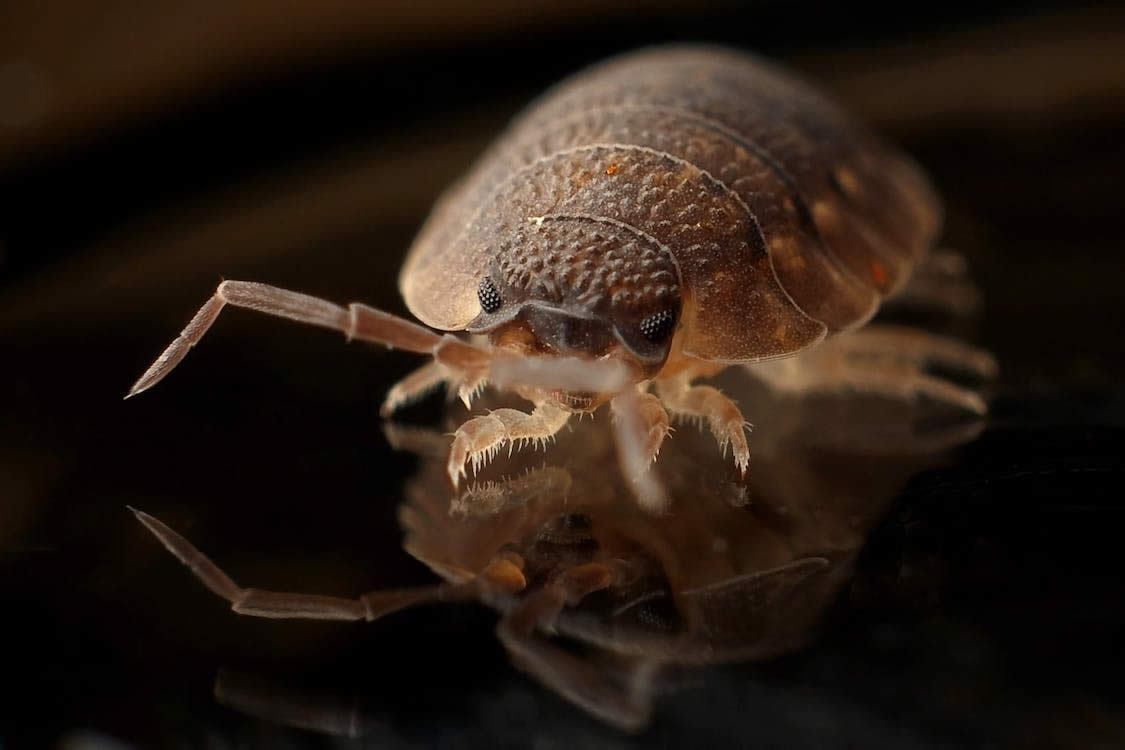
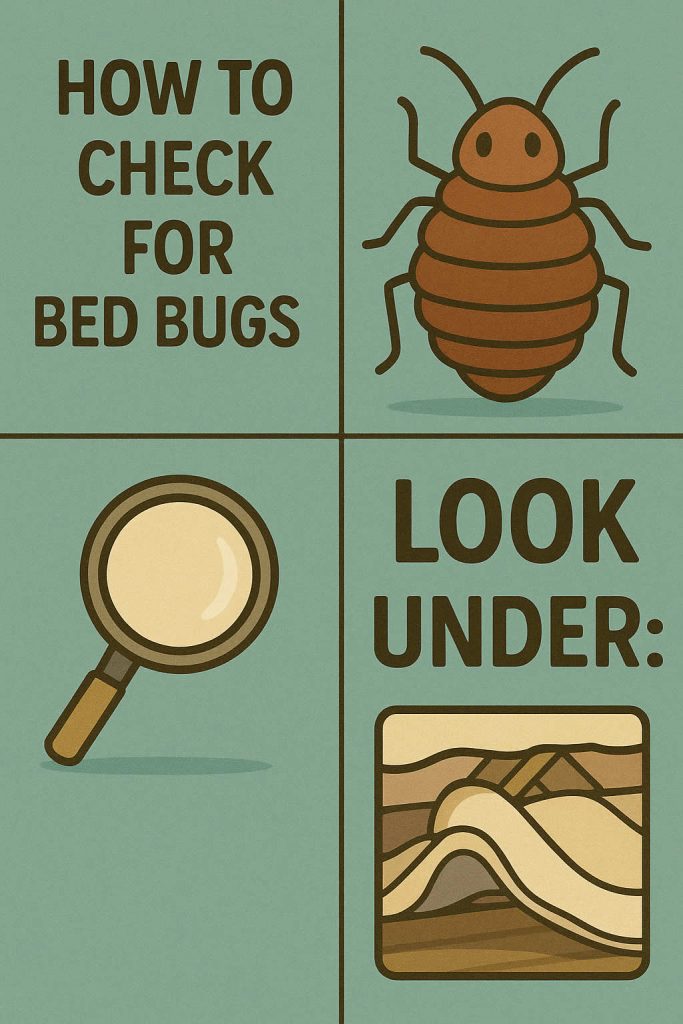
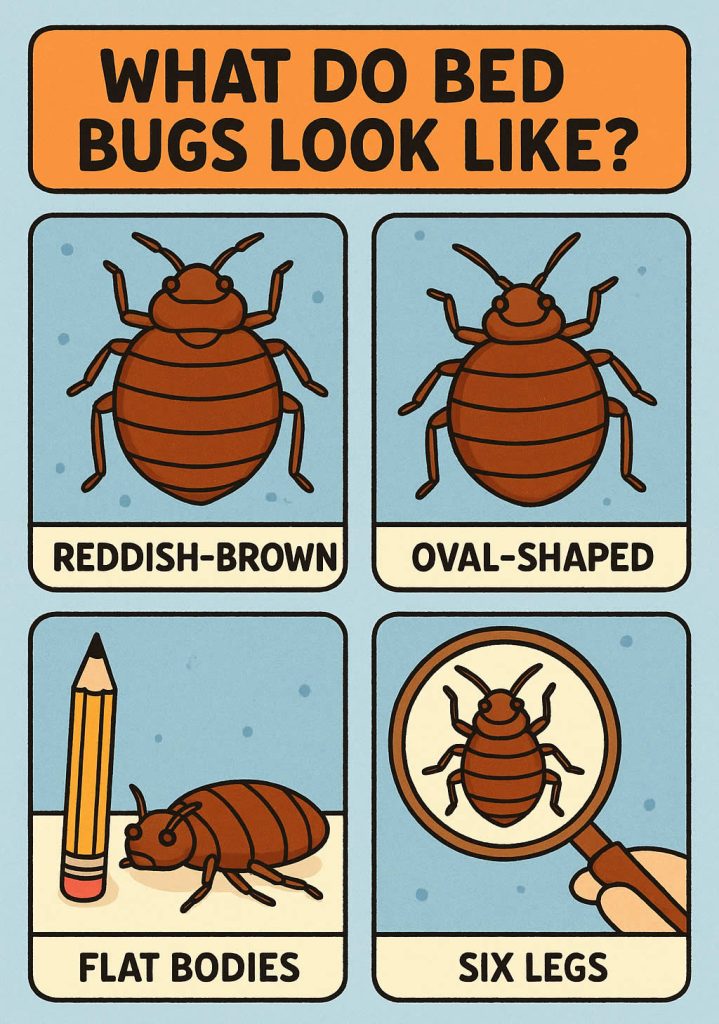
Finding bed bugs inside your electronics can feel particularly stressful because you cannot simply spray devices or heat them aggressively without risking damage. Many people first notice the problem when they see tiny marks near vents or start to wonder why insects keep reappearing despite cleaning the room thoroughly. Electronics provide warmth and hidden spaces, so they become useful harbourages for bed bugs looking for shelter. Understanding how they behave inside devices helps you treat the situation calmly and methodically, without harming your equipment.
This guide explains how bed bugs enter electronics, the signs that suggest they may be hiding inside, and safe ways to remove them. You will learn how to handle devices without causing damage, how to protect surrounding areas so insects don’t return, and how to stop bed bugs re-infesting electronics later. When you understand the process clearly, it becomes much easier to take control of the situation and prevent insects spreading further.
How Bed Bugs Get Into Your Devices
Bed bugs hide in electronics because the interior of a device provides warmth, darkness and protection. They do not chew their way into devices or damage materials to gain access. Instead, they slip through gaps that already exist, such as vents, ports and seams. Any small opening becomes a potential hiding place. This often happens when the device is close to furniture or bedding where bed bugs are already active. A laptop left on a bed, a bedside alarm clock, or a games console under a television stand can all become attractive resting spots.
Their movement into electronics is accidental. Bed bugs follow heat sources, and devices often stay warm long after you stop using them. If the surrounding environment feels disturbed, such as after cleaning or vacuuming, they retreat into electronics because the sheltered interior feels safer. Once inside, they can remain for long periods because electronics supply warmth even when room temperatures fluctuate.
Signs Bed Bugs May Be Hiding in Electronics
Because electronics are enclosed, bed bugs leave subtle signs rather than obvious ones. Small black dots near ports, vents or cable openings may indicate droppings. These spots smear slightly when touched with something damp. You might notice pale, flaky shells around the device, which are shed skins from developing nymphs. These skins collect in folds or edges where movement is minimal.
Sometimes, when moving a device, you may see a live bed bug fall out of a gap or port. Even a single insect suggests a need for proper inspection because bed bugs rarely travel alone. Devices kept close to infested furniture or bedding usually show signs first, especially if they remain warm for long periods. Looking for these early clues gives you a better chance of tackling the problem before it spreads to other items.
How to Remove Bed Bugs from Electronics Safely
Removing bed bugs from electronics requires care because the wrong method can damage internal components. You cannot heat electronics to extreme temperatures, use steam, or apply chemical sprays directly into vents. Instead, the aim is to create controlled conditions that disrupt the insects without harming the device.
Begin by isolating the suspected electronic item. Move it away from soft furnishings and place it on a hard, easy-to-clean surface. Unplug the device completely so you can handle it safely. Inspect the casing, ports and vents closely with a torch, taking your time to understand where insects might be hiding. Isolation stops bed bugs escaping into nearby fabrics while you work.
Once the device is isolated, follow these steps:
- Place the device inside a large, clear, sealable plastic container so any insects inside cannot move elsewhere.
- Warm the surrounding room rather than the device itself. Gradual ambient warmth encourages insects to leave hiding spaces without exceeding safe temperatures for electronics.
- Add silica gel packets inside the container to create a dry atmosphere that gradually dehydrates insects and eggs.
- Tap or tilt the device gently over a white surface to dislodge any insects or shed skins hiding near ports.
- Vacuum the area where the device normally sits so bed bugs cannot return to it after treatment.
Leave the device sealed for a period so the dry, warm conditions inside the container remain stable. This combination encourages insects to leave hiding spaces and reduces their ability to survive. With patience, this method lets you handle electronics safely without exposing them to moisture, chemicals or extreme heat.
Electronics Most Likely to Hide Bed Bugs
Some devices attract bed bugs more than others because they stay warm and sit close to areas where people rest. Items most commonly affected include:
- Laptops placed on beds or sofas
- Games consoles near seating areas
- Digital clocks and bedside electronics
- Televisions in bedrooms
- Wi-Fi routers and modems
- Remote controls and small handheld devices
Any device that stays warm, sits undisturbed and has plenty of small openings becomes a potential hiding spot. Electronics placed close to fabric items tend to attract bed bugs sooner because the insects climb onto them from nearby soft materials.
How to Inspect Electronics Without Damaging Them
Inspecting electronics must be done gently. Start by unplugging the device and moving it to a clean, flat surface. Use a torch to examine vents, ports and seams. Bed bugs often hide where cables connect, so look around power sockets and USB ports. Tilt the device slowly to see whether anything falls from the openings.
Lift the device and inspect the underside, especially areas where rubber feet or textured surfaces create shelter. Devices with multiple ventilation grilles, like games consoles or routers, require extra attention. If you suspect a particular item, consider placing it inside a clear container for a day or two. If insects are inside, they often move toward warmth or light when the device powers on, making them easier to spot.
Cleaning the Area Around Electronics
Treating the electronics alone will not solve the problem if the surrounding environment remains untreated. Vacuum the desk, shelf or bedside table where the device normally sits. If the electronics were placed on fabric, such as a blanket, sofa or bed, wash those textiles on high heat and dry them thoroughly. Bed bugs use fabrics as stepping points when moving into devices.
Reduce clutter around electronics so bed bugs have fewer places to hide. Wipe hard surfaces and move devices temporarily to locations where you can monitor them easily. These simple steps help break their movement patterns and reduce the chance of reinfestation.
Why Bed Bugs Survive for Long Periods Inside Devices
Bed bugs inside electronics benefit from stable warmth. Even when devices are turned off, residual heat inside the casing lingers. Bed bugs survive long periods without feeding, so they can remain concealed inside electronics for weeks or months. They do not feed inside the device, but they use the warmth to conserve energy and avoid disturbance.
This survival ability is why bed bugs may reappear even after you think you’ve treated the room successfully. They simply wait inside the electronics until cleaning stops. Understanding this behaviour helps you plan a complete treatment rather than focusing only on visible hiding places.
Preventing Bed Bugs From Entering Electronics Again
Once your electronics are treated, prevention becomes essential. Avoid placing devices on beds or soft surfaces where insects can climb into them. Keep laptops on hard surfaces, and move consoles or routers occasionally so insects cannot settle into stable hiding places. When returning from travel, avoid placing suitcases or travel bags near electronics until you’ve inspected them.
Routine cleaning also helps. Vacuum around devices, wipe surfaces regularly and keep fabrics near electronics clean. Reducing clutter denies insects the sheltered spaces they prefer. These preventive steps go a long way in stopping bed bugs from returning.
Managing Fabric Items Near Electronics
Fabric items near electronics play a major role in how bed bugs spread. Throws, jackets, backpacks and cushions can all carry insects that then transfer to devices. Wash these items regularly on high heat if possible, or inspect them closely before placing them near electronics. If devices sit close to fabric, consider adding washable barriers beneath them so insects cannot climb directly from fabric to ports.
Areas Near Electronics Worth Checking
Bed bugs rarely stay in one hiding place. They move between harbourages based on warmth, shelter and opportunity. Check shelves, cables, wall brackets, drawers and gaps behind furniture near electronics. These areas often become stepping points between fabrics and devices. Cleaning these spots reduces movement routes and lowers the chance of insects finding their way into electronics again.
Maintaining a Low-Risk Environment After Treatment
Once electronics are treated and surrounding areas are clean, keep an eye on the environment. Lift devices periodically and inspect them, especially during the first few weeks. Keep devices unplugged when not in use, and avoid leaving them on standby for long periods. Monitor soft furnishings and keep fabric items away from electronics unless they are freshly cleaned.
With regular upkeep and sensible placement of devices, you significantly reduce the chance of bed bugs returning. Staying consistent is key. Once you break their movement patterns, your electronics become far less appealing as hiding places.